
Website Photography Guide: Why Updating Your Images Matters More Than You Think
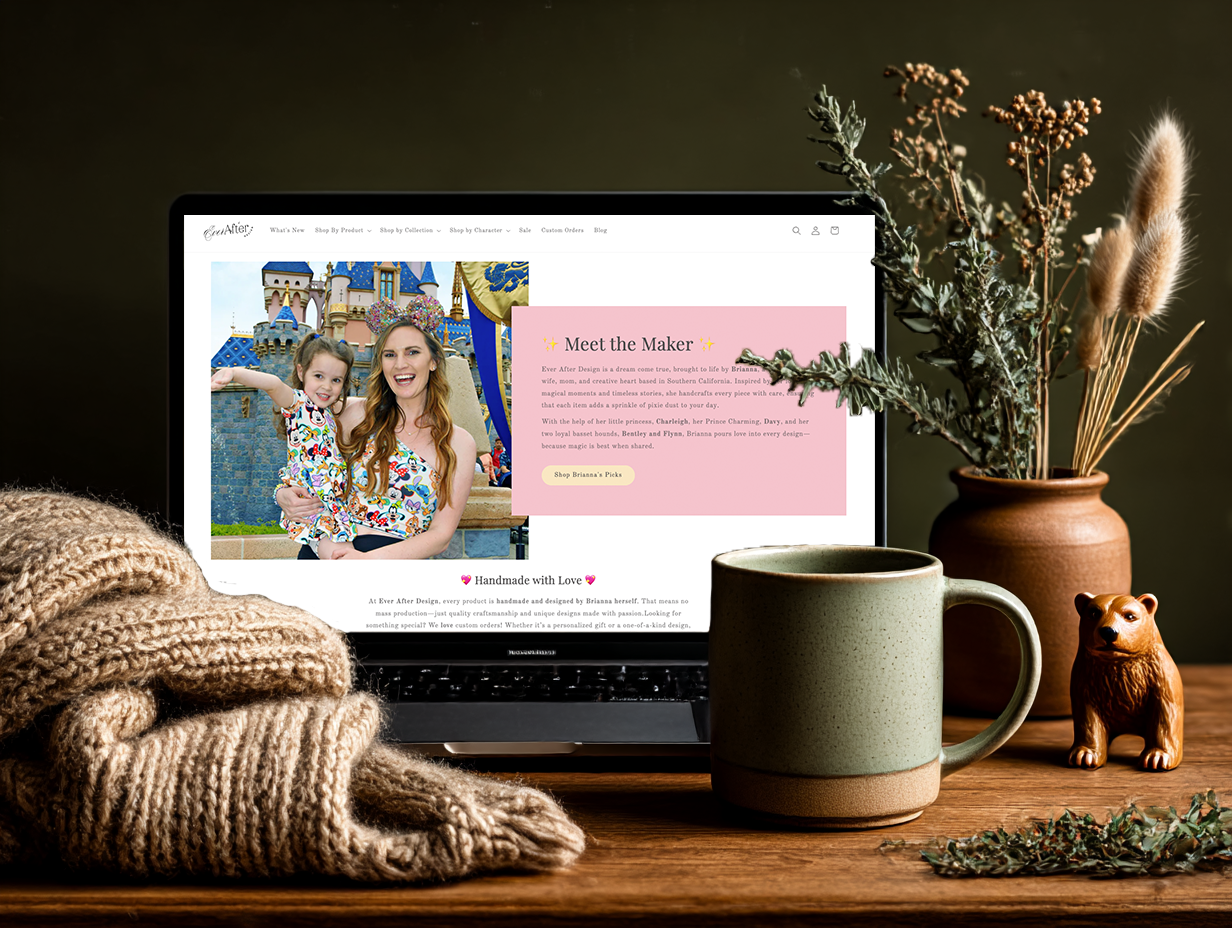
Your website can have the best copy, a beautiful layout, and a clear offer, but if your images are outdated, low quality, or poorly optimized, everything else suffers.
Images are often the first thing visitors notice. They shape trust, emotion, and credibility before anyone reads a single word. This guide breaks down why professional website photography matters, how often you should update images, and exactly how to size your files for speed and clarity.
Why Website Images Matter So Much
Your images are doing silent work for your business every single day. They answer questions visitors are already asking:
Is this business active?
Is it professional?
Do I trust this person with my money?
When your photos feel dated or inconsistent, people hesitate. Hesitation means visitors leaving your site. Visitors leaving means you’re loosing out on customers.
When you’ve invested in strong website photography, your visitors see an immediate positive first impression, strong credibility and authority, connection emotionally to your brand, a drive to conversions and inquiries, and an overall better user experience.
Outdated Images Are Hurting Your Website
If your website still shows photos from years ago, it sends the wrong message (ah-hem… even if your business is thriving now.)
If you really looked at your site and thought “my headshots are so old they don’t even look like me anymore” or that everything feels staged or generic, its time for some deeper reflection.
Even yet, if your images are blurry or pixelated… Heck, if you have inconsistent lighting, colors, or style across pages, you could be losing credibility to your audience. Take a look at this website design with outdated images verses the same exact design with clear imagery.
The Value of Professional Website Photography
Professional photos are not just about looking nice. They are about alignment. A professional photographer understands lighting, composition, and how images translate on screens. They also help create images that support your brand story, not distract from it.
You might be thinking, what about if I don’t want to pay for a professional session? Stock photos can work in small doses, but your core pages should feature real images of you, your work, or your environment whenever possible.
How Often You Should Update Website Images
There is no single rule, but here is a strong guideline.
Update your website images when:
You have new events or happenings
Anytime you rebrand or shift services
After a professional branding photoshoot
When your location, team, or offerings change
If your site feels visually disconnected from your current business
Your website should evolve with you. Images are one of the fastest ways to reflect growth without a full redesign.
Website Image File Sizes and Load Speed Matter
Beautiful images that slow down your website are working against you. Large, unoptimized images increase load time, frustrate visitors, and negatively impact SEO. Google prioritizes fast, user friendly websites.
Recommended Website Image Sizes
These are general best practices for most modern websites.
Hero images:
Width: 1800 to 2500 pixels
File size goal: Under 500 KB
Standard section images:
Width: 1200 to 1600 pixels
File size goal: Under 300 KB
Gallery images:
Width: 1200 pixels max
File size goal: Under 250 KB
Icons or small graphics:
Width: 300 to 600 pixels
File size goal: Under 100 KB
Always resize images before uploading. Keep in mind that different website hosting has varying size recommendations.
Best Image Formats for Websites
Choosing the right file type makes a big difference.
JPEG:
Best for photos
Smaller file sizes
Great balance of quality and speed
PNG:
Best for graphics with transparency
Larger file sizes
Avoid using for large photos
WebP:
Excellent quality with smaller file size
Supported by most modern browsers
Ideal when your platform allows it
When possible, WebP is the best option for performance.
Image Clarity Without Slowing Your Site
The goal is not the smallest file possible. The goal is the best balance.
Tips for clarity and speed:
Resize images to their display size
Compress images before upload
Avoid uploading images straight from the camera
Use sharp, well lit photos instead of over editing
Test your site speed after uploading new images
A clear image that loads fast always wins.
Final Thoughts
Your website images are not decoration. They are strategy.
Keeping your photos current, professional, and properly optimized makes your website feel alive, trustworthy, and ready for business. If your site feels off but you cannot quite explain why, outdated or poorly sized images are often the culprit.
A refreshed set of images can transform your website faster than almost any other update.
If you want help auditing your website photography or preparing your images for performance and clarity, this is exactly the kind of detail I focus on when designing and refining websites.
